Axis Mirror
A downloadable module for Windows
⚙️ AxisMirror
Professional Input Visualization. Refined.
AxisMirror is a precision input visualization tool for players, streamers, and coaches who want to see their controls with absolute clarity.
Unlike simple overlay widgets or scripts, AxisMirror is a purpose-built desktop application—designed for reliability, accuracy, and clean broadcast output.
It shows what your hardware is actually doing, in real time: timing, motion, micro-inputs, and consistency—frame to frame.
🎯 What AxisMirror Is
AxisMirror is a fully customizable, real-time input overlay for:
-
Fighting games
-
Flight & space sims
-
Racing
-
Rhythm games
-
Shooters
-
Speedrunning
-
Coaching & tutorials
-
Accessibility testing
-
Hardware tuning & calibration
If it involves inputs, AxisMirror can mirror it.
🚀 Key Features
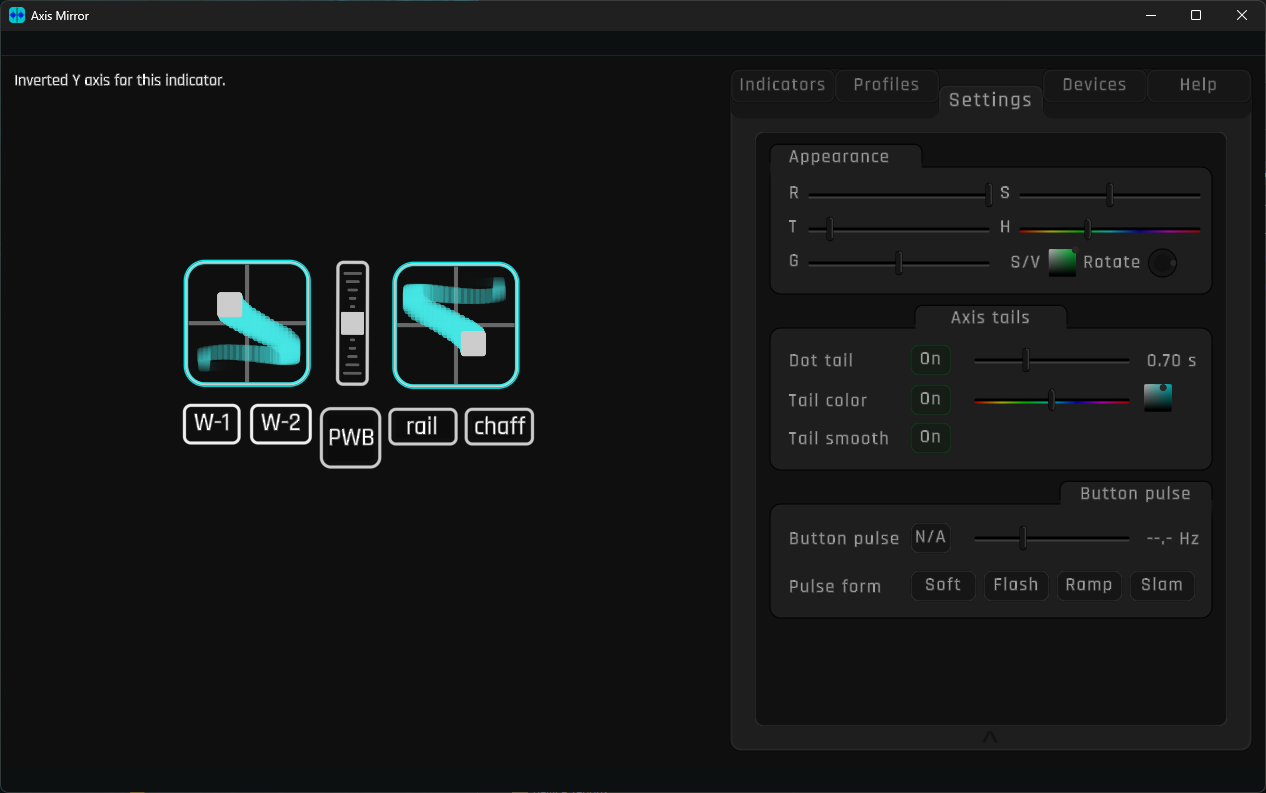
Real-Time Input Visualization
-
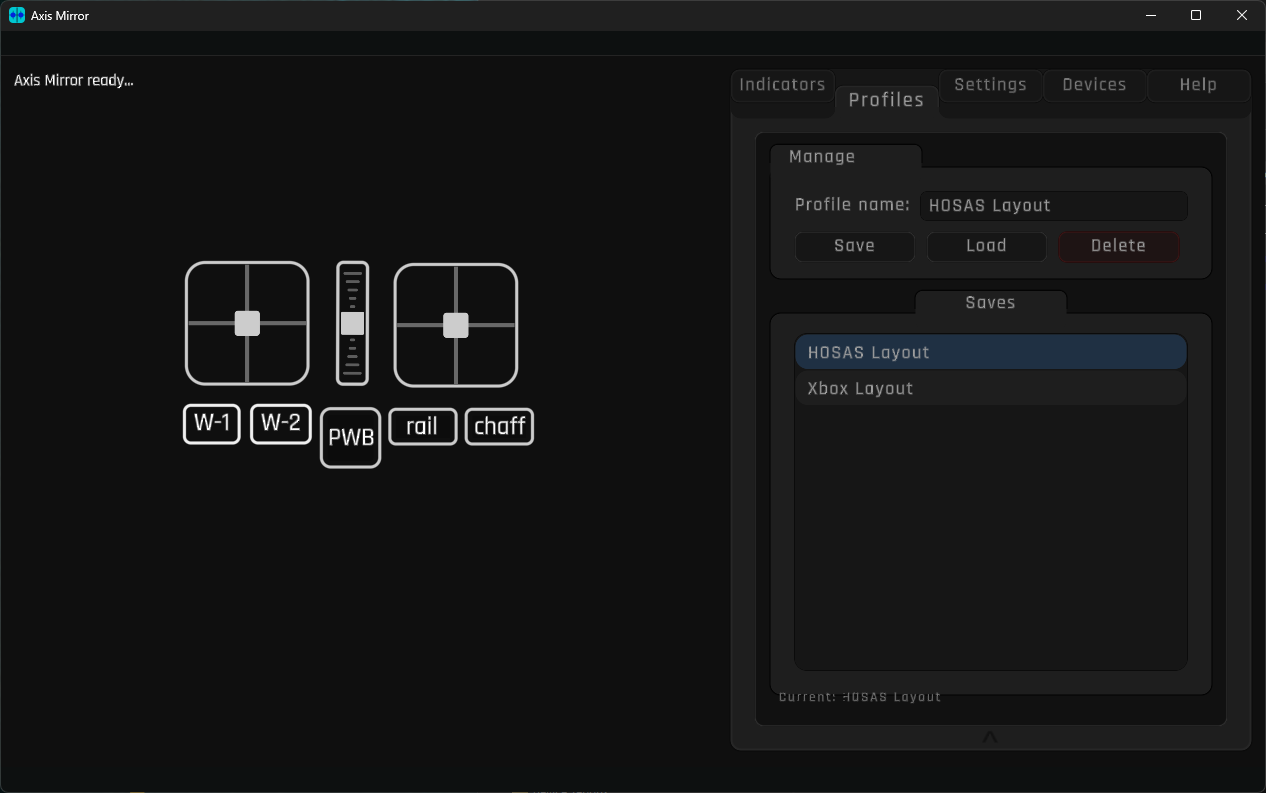
Joysticks, wheels, throttles, rudders, pedals
-
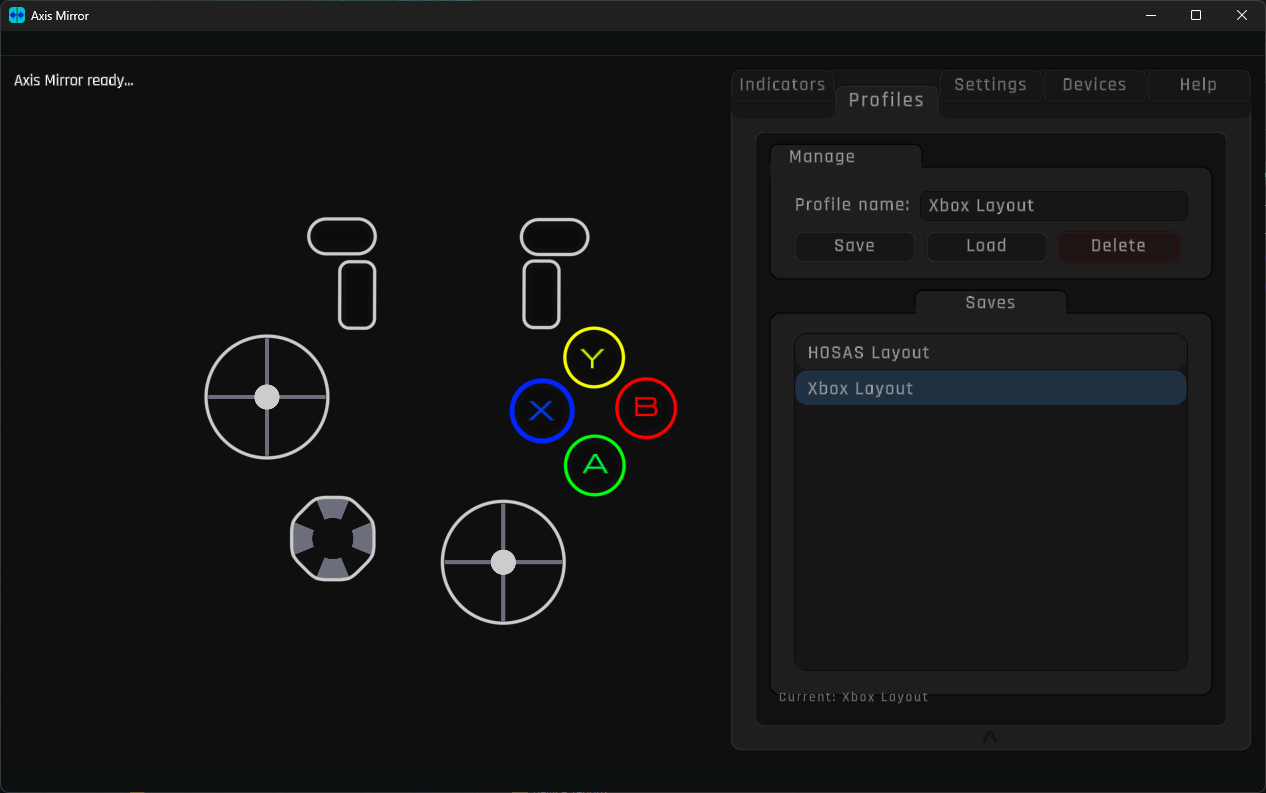
Buttons, triggers, hats, DPads
-
Full HID + XInput support
-
High-frequency polling (no dropped micro-inputs)
Accurate Axis & Button Behavior
-
Proper ±1 normalization
-
True center & micro-movement visibility
-
Per-axis hue and styling
Customizable Workspace
-
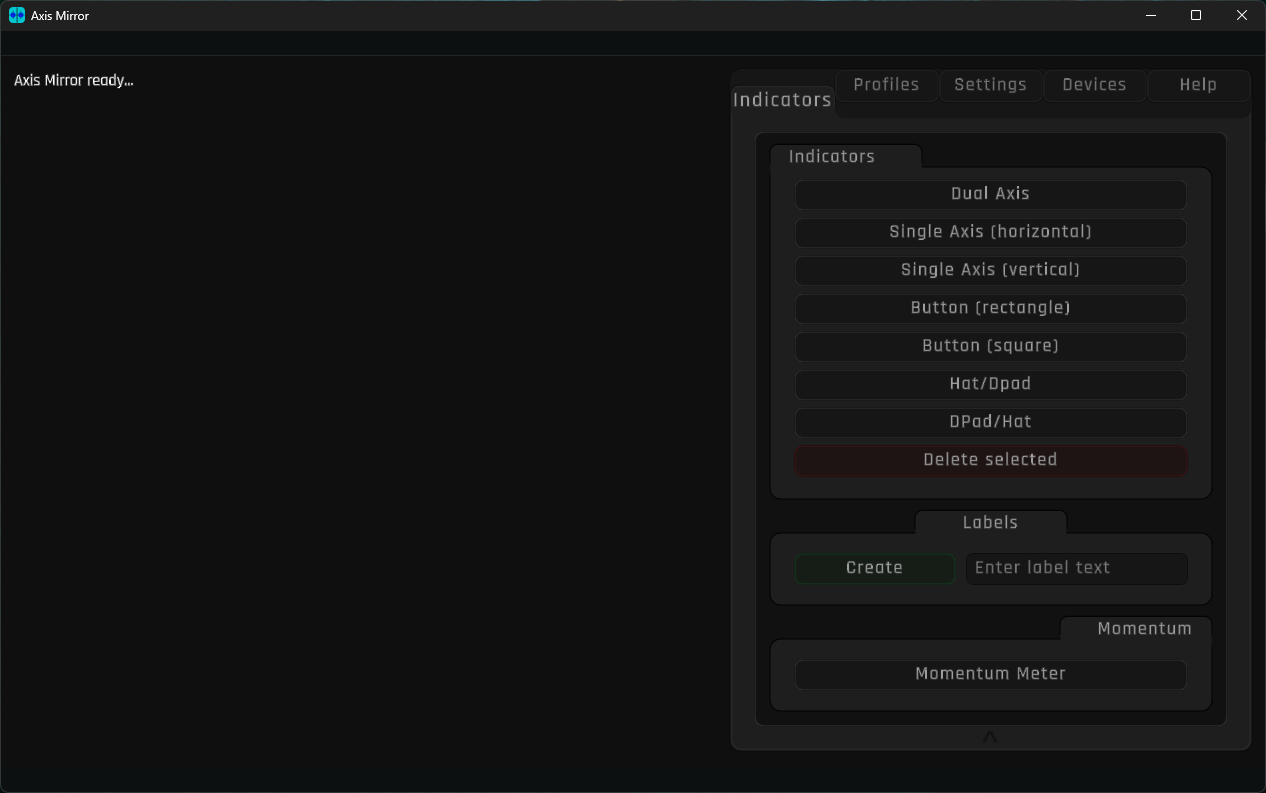
Drag, rotate, and arrange indicators freely
-
Multiple independent layouts
-
Save & load profiles per game or OBS scene
Clean, Transparent Broadcast Output
-
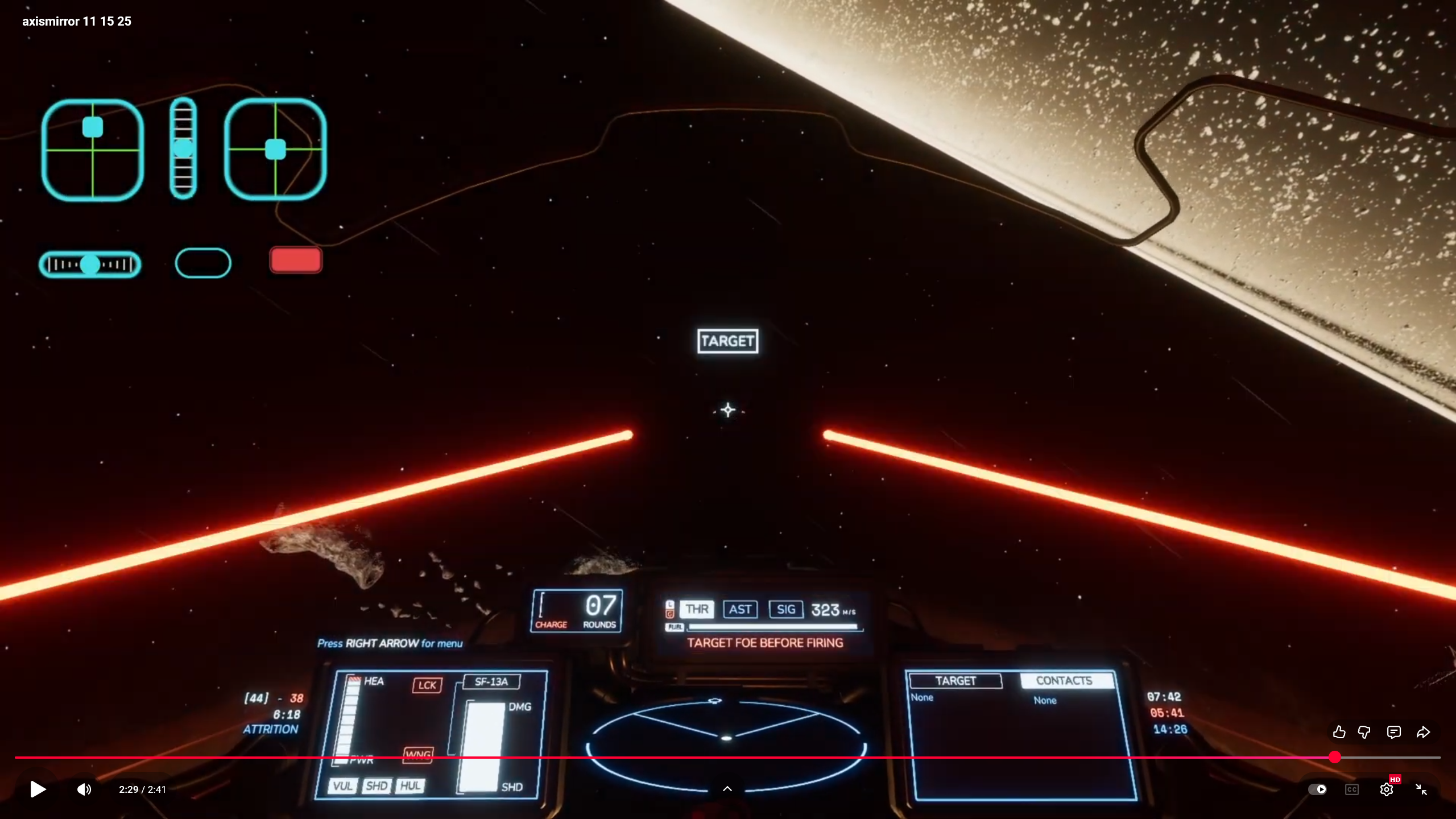
Dedicated transparent Mirror window for OBS
-
Proper alpha compositing
-
GPU-accelerated SDF rendering for sharp output at any resolution
📺 OBS Setup (Required)
AxisMirror uses a transparent mirror window for broadcast.
In OBS:
-
Add a Window Capture source
-
Select the AxisMirror Mirror window
-
Set Capture Method to “Windows 10 (1903 and up)”
⚠️ Other capture methods will not display the overlay correctly.
🧪 Alpha (0.6.x) — Current State
AxisMirror is in active development, but already fully usable.
Current builds include:
-
Full console & indicator editing
-
Transparent OBS output
-
Custom color & style controls
-
Per-profile layouts
-
Input probe & snapshot tools
The core workflow is stable; new features and refinements are still being added.
🛣️ Roadmap (Short)
-
0.7.x — Indicator scaling & custom window chrome (Celeris Steel)
-
0.8.x — 16-bit SDF pipeline, keyboard backend
-
0.9.x — Format lock, documentation, stabilization
-
1.0 — Long-term trusted release
Layouts and profiles will not silently break going forward.
🌐 Community
🌐 Community
AxisMirror is built with care, craft, and the belief that tools should feel as good as the games they serve.
Come shape it with me.
— Belegrade
Purchase
In order to download this module you must purchase it at or above the minimum price of $8 USD. You will get access to the following files:
Development log
- AxisMirror v0.6.024 days ago
- AxisMirror v0.2.0 – Hats, Squircles, and Rotation That Actually Listens40 days ago
Leave a comment
Log in with itch.io to leave a comment.